Manage Fitnexa Subscription
Find your purchase history online and cancel or manage your subscription (based on the purchase source). If you subscribed via a third-party store (App Store / Google Play), you must cancel or make changes on that platform.
Purchased on Fitnexa
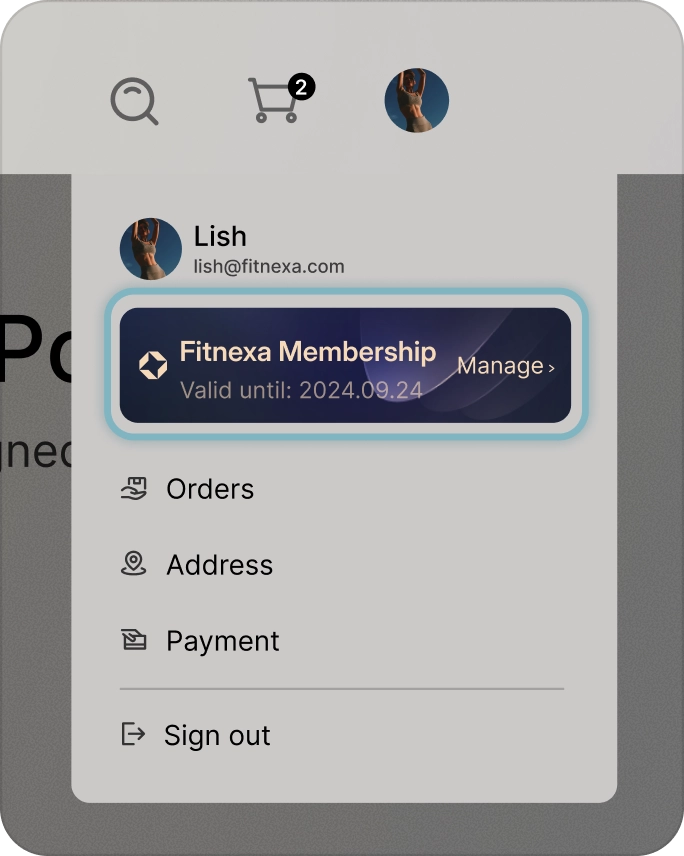
1. Go to fitnexa.com and sign in to your account.
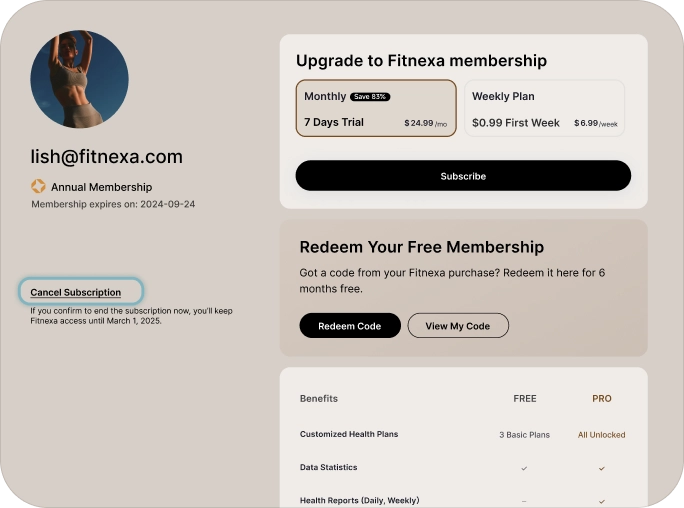
2. Go to Account › Subscriptions › Manage to view your current plan and renewal date.
3. To cancel, turn Off Auto-Renew. You’ll keep access until the end of the current billing period.
4. To download invoices, see Billing & Invoices.
Having trouble? Contact
support@fitnexa.com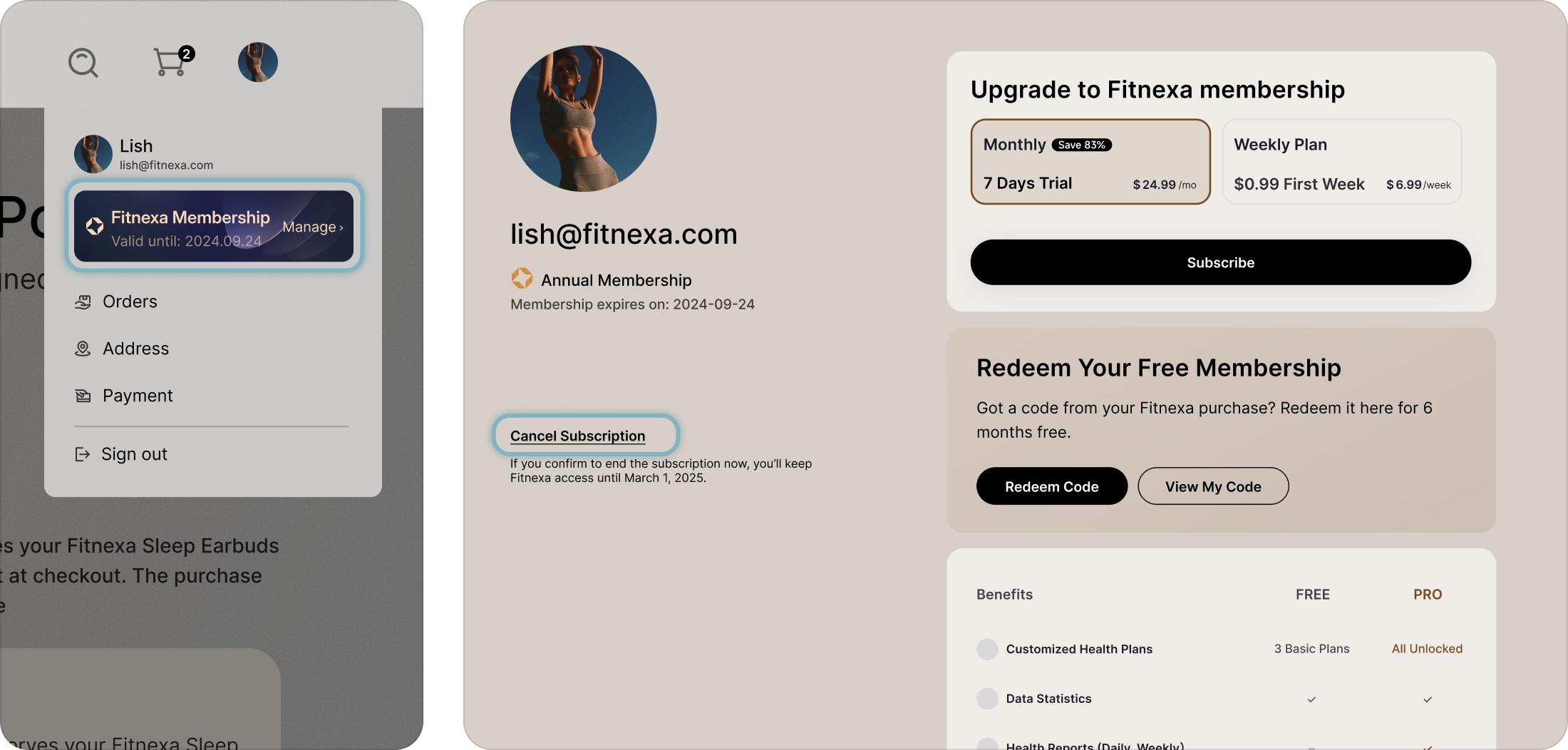
Purchased on the App Store
Fitnexa cannot access or cancel App Store subscriptions on your behalf.
1. Open App Store → tap your profile photo.
2. Go to Subscriptions.
3. Select Fitnexa App → View history or Cancel subscription.
Subscription management: see Apple's full guide —support.apple.com/en-us/118212
Cancel subscription: see Apple's full guide —support.apple.com/en-us/118428
Purchased on Android
Android subscriptions are billed and managed by Google Play.
1. Open Google Play Store → Profile icon
2. Payments & subscriptions → Subscriptions
3. Select Fitnexa App → View history or Cancel subscription.
See Google’s full guide —
support.google.com